



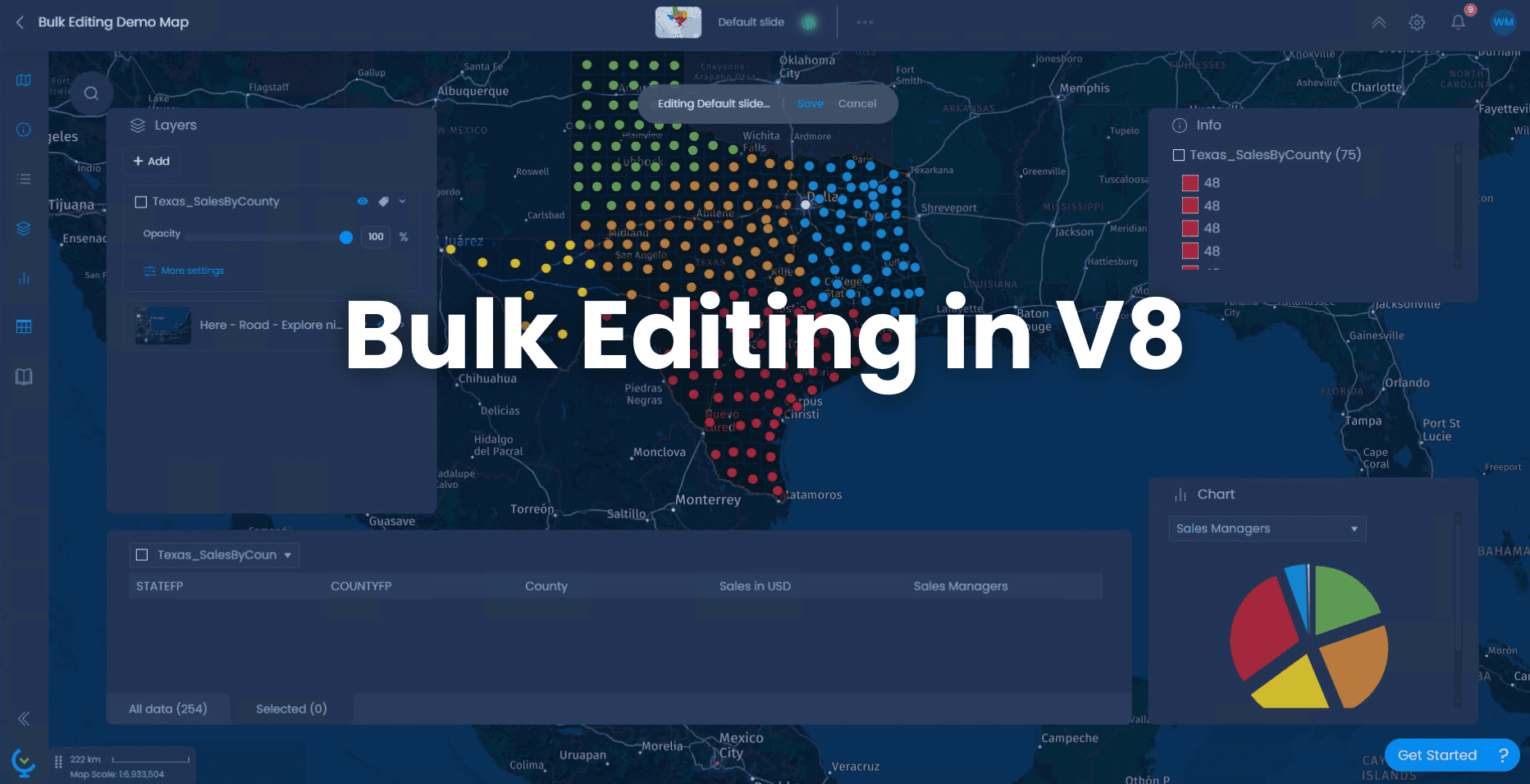

Explore the New Bulk Editing in CartoVista Cloud
Edit without leaving your favourite Data Storytelling Platform
We’re excited to announce a powerful upgrade to CartoVista Cloud (V8): Bulk Editing and Column Creation are now available directly in the web environment!
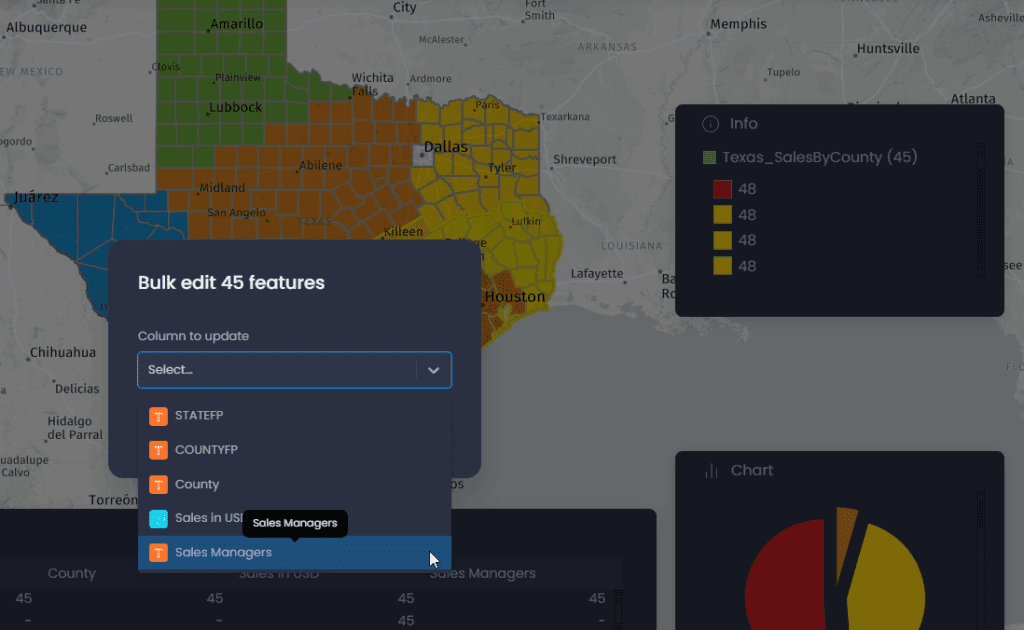
This highly requested capability empowers users to edit multiple features simultaneously without switching tools or environments. Whether you’re updating datasets for reporting, creating thematic maps, or redistricting, it’s now easier than ever.
With just a few clicks, you can:
- Select multiple features directly on the map
- Edit shared attribute values
- Add or remove data columns
- Streamline your data cleanup and preparation workflows
Why this matters
CartoVista already offers a robust suite of tools for geospatial analysis, interactive map creation, and visual storytelling. With this latest update, you can now generate and enhance spatial data for reporting, geomarketing, territory management, and decision-making, all without leaving the CartoVista Cloud platform.
Previously, updating multiple features involved repetitive steps, editing attributes one by one. Now, you can:
- Apply edits in bulk to features that share common characteristics
- Save valuable time in your data management workflow
- Simplify data preparation for dashboards, exports, and presentations
Whether you’re working on redistricting projects, running geomarketing operations, or preparing sales territory analyses, CartoVista lets you enrich your spatial data directly in the cloud.
See Bulk Editing in Action: A Geomarketing Use Case
The following demo video highlights how CartoVista’s bulk editing can streamline territory management in a real-world geomarketing scenario In this example, we assign sales managers to specific counties in Texas, USA, using the new bulk editing feature. With this data enriched, we can then access key business intelligence metrics such as total sales volume per manager and the number of territories assigned.
Watch how we:
- Create a new column to store the assigned sales manager
- Select multiple geographic areas (counties) directly on the map
- Apply changes to attribute data in one go
- Perform a thematic analysis to visualize territory distribution
- Display performance statistics for each manager
This use case demonstrates how CartoVista helps bridge spatial data and business performance ideal for sales planning, market segmentation, and regional operations.
Your Turn: Try it Today
Ready to simplify your data workflows?
Log in to CartoVista Cloud and experience the new bulk editing tool for yourself. Create. Analyze. Share. All in one place.
Start editing smarter with CartoVista.